01
Search once
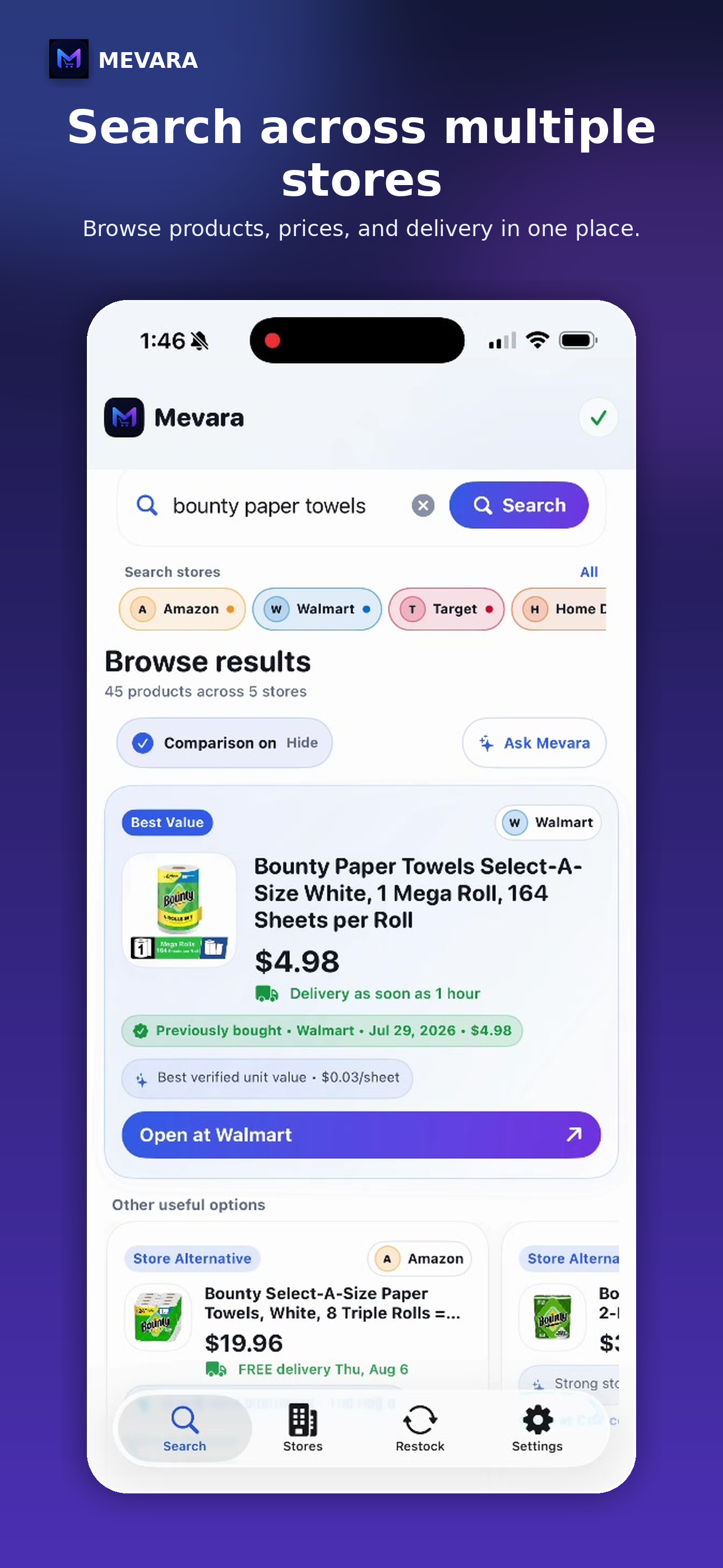
Enter the product you need and see results from supported retailers in one place.
Mevara brings product results from multiple retailers into one clean shopping experience. Browse freely, compare when helpful, open the live retailer listing, and keep purchase and Restock memory on your iPhone.
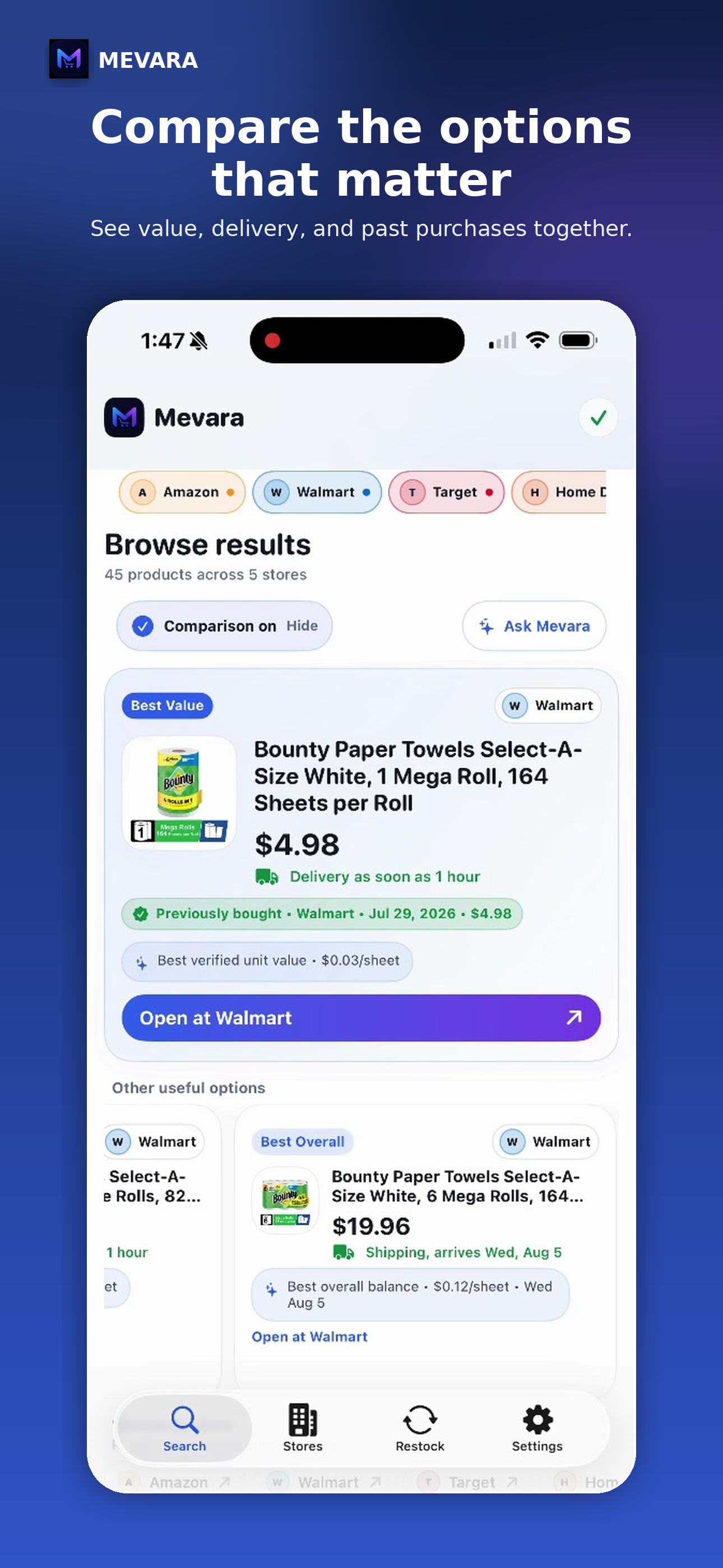
Mevara does not shop for you or hide the retailer experience. It organizes the shopping, then lets you browse every listing and make the final decision yourself.
Enter the product you need and see results from supported retailers in one place.
Review prices, sizes, delivery details, ratings, and product options without jumping between separate apps.
Ask Mevara about the products currently shown, or use straightforward comparisons such as fastest delivery and best reviewed.
Open the full live listing and complete checkout directly with the retailer.
Product cards help you scan the options. When you are ready, Mevara opens the retailer’s live page inside the app so you can confirm price, availability, delivery, and checkout details.
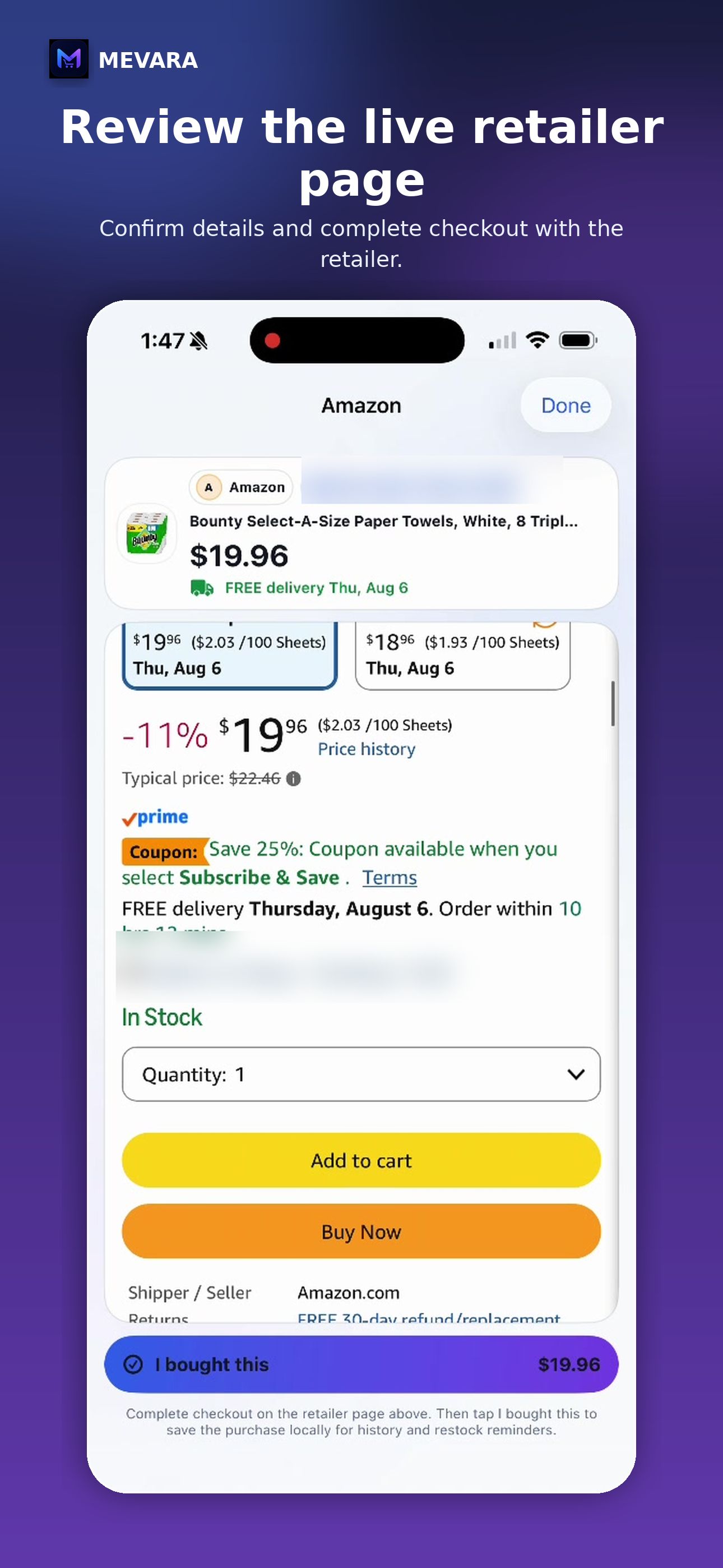
After a purchase, mark the item as bought to save useful context locally: the product, retailer, date, and optional restock timing.
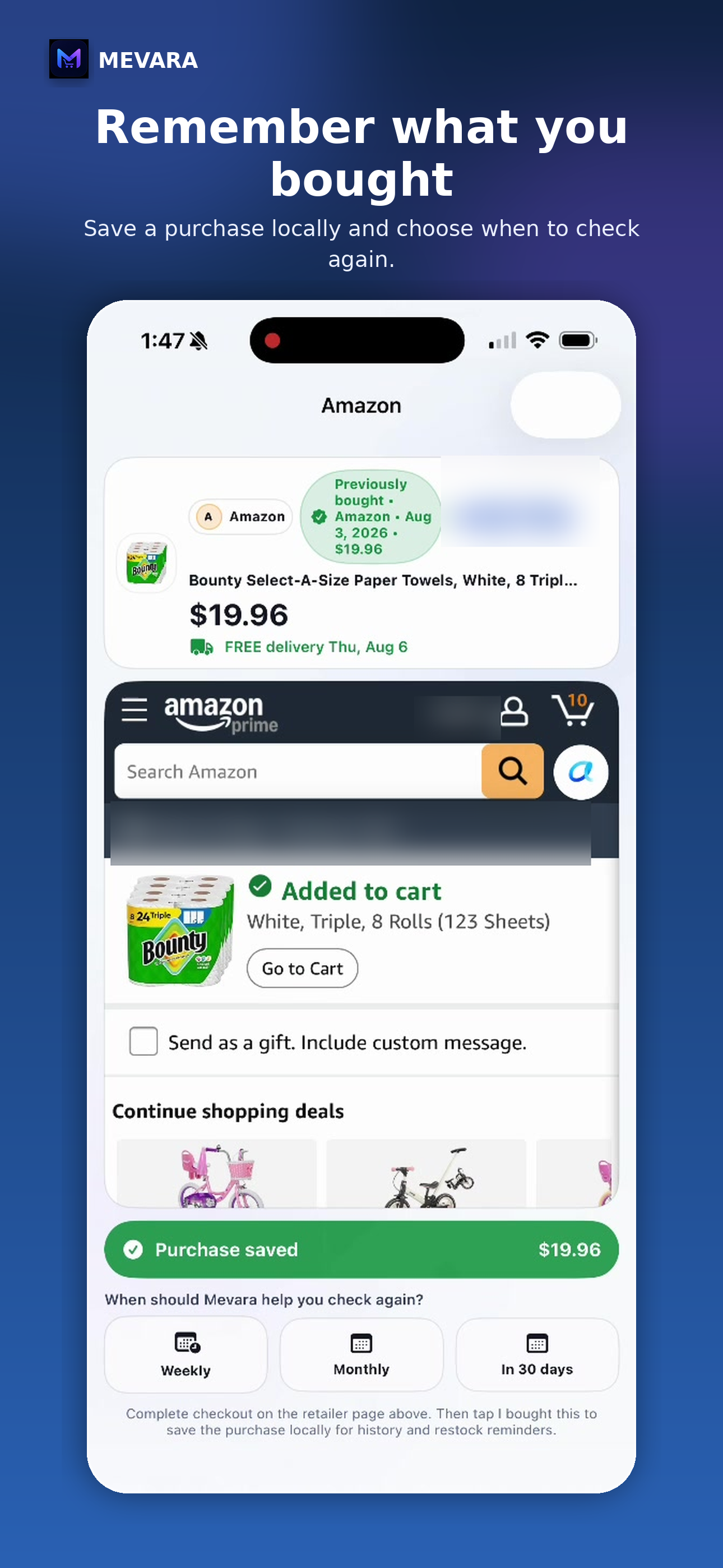
Mevara keeps the shopping experience connected before and after checkout.
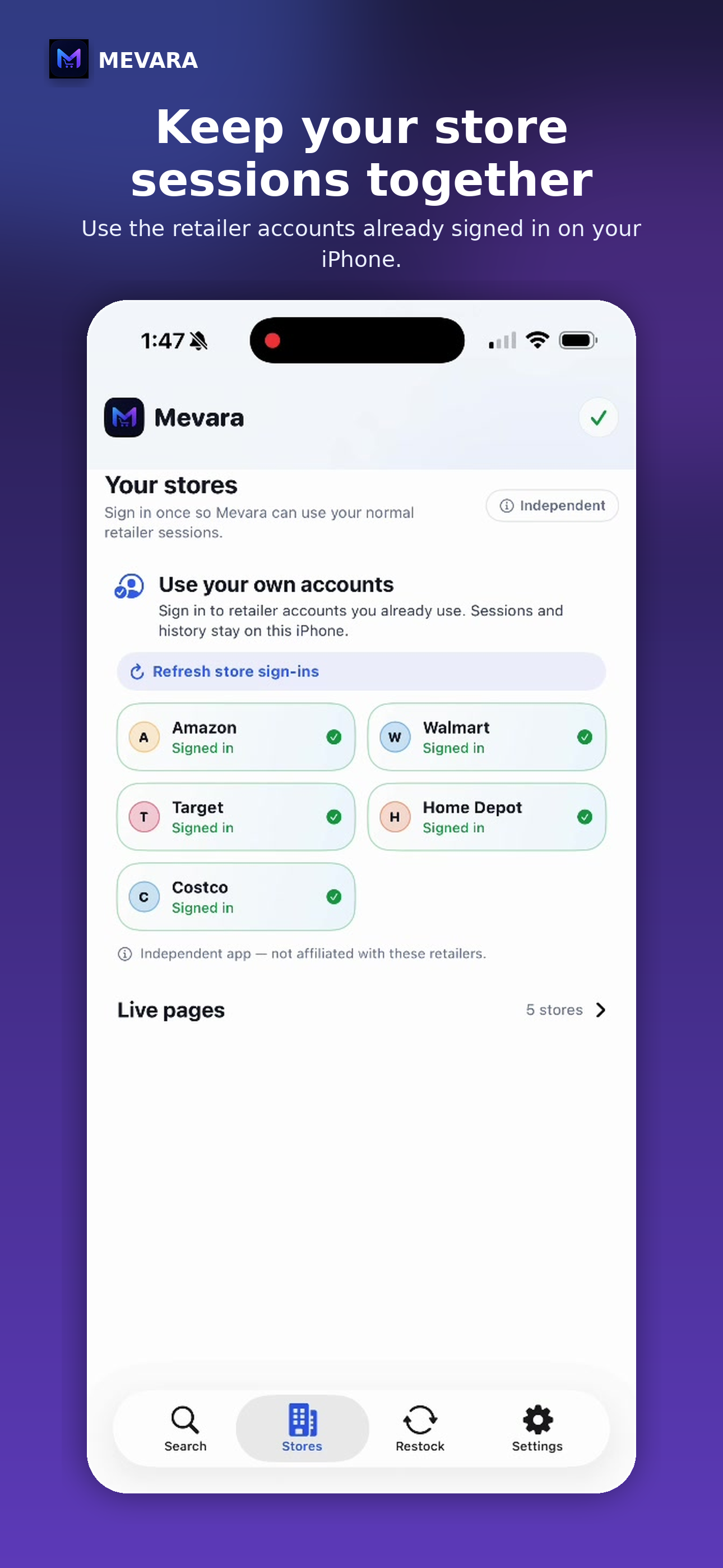
Sign in on the retailer’s own page when needed. Mevara does not receive or store retailer passwords.
Set a simple local restock check after saving a purchase, then return when the item is likely running low.
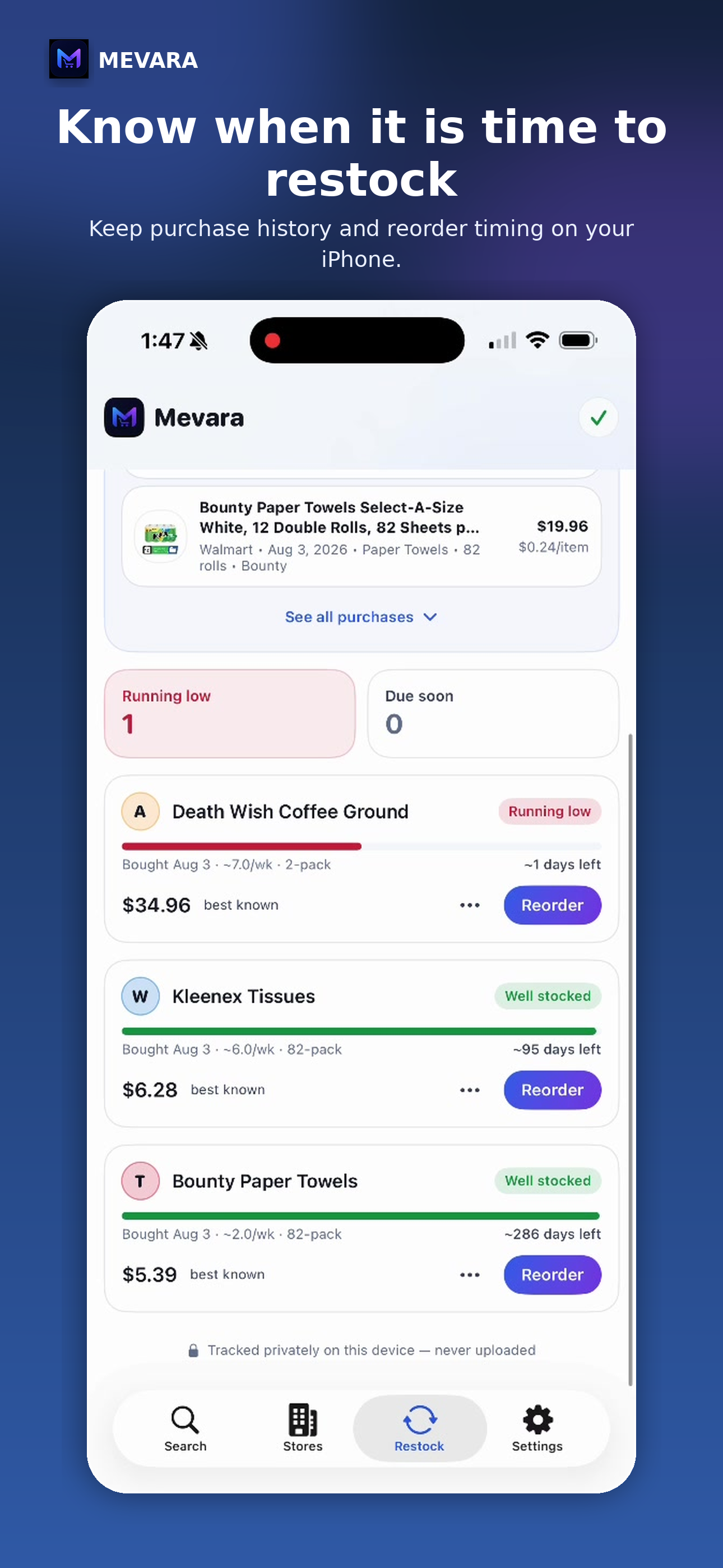
Mevara keeps shopping conversations, missions, purchase history, and Restock information locally on your iPhone. ChatGPT Discovery stays off unless you add your own API key, turn it on, and accept the in-app disclosure.
If you choose to enable it, Mevara sends only the request and limited shopping context needed to answer. Retailer passwords, cookies, session tokens, and your complete shopping history are not included in normal ChatGPT Discovery requests.
Download Mevara and start comparing products across supported retailers.
 Download Mevara on theApp Store
Join the email list for product news and new retailer support.
By submitting, you ask Mevara to use your email for product updates. You can unsubscribe or request deletion at shaya@mevara.ai. See the Privacy Policy.